
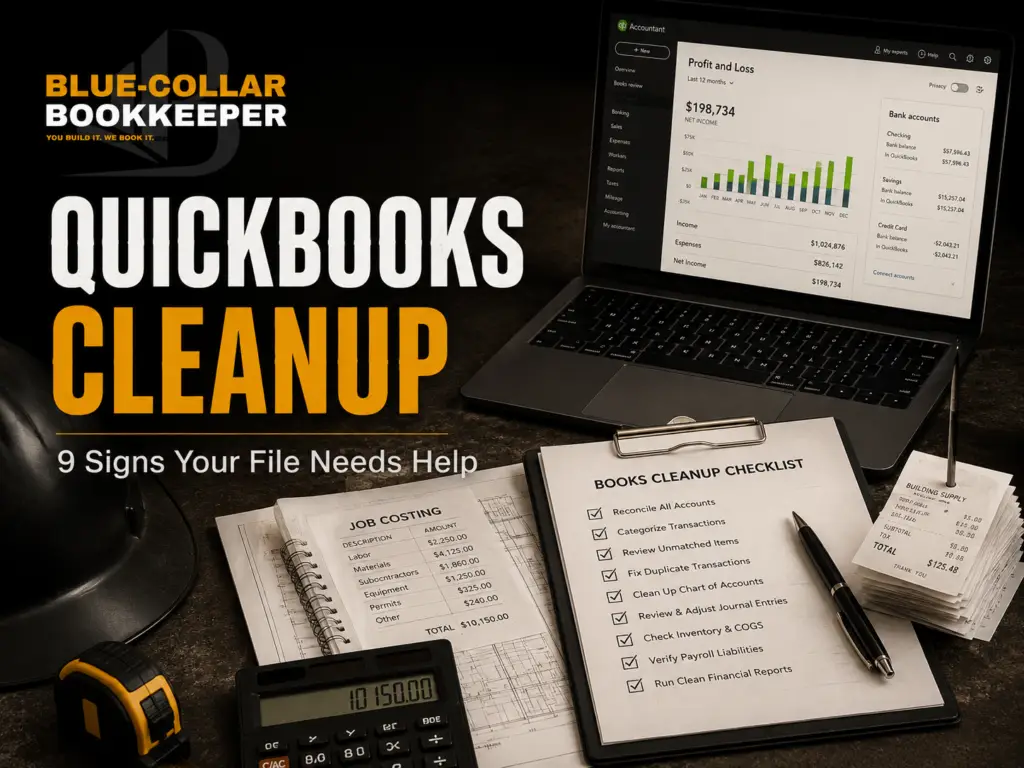
If opening QuickBooks makes you feel more confused than confident, that’s a problem.
A lot of contractors technically “have QuickBooks.” The file exists. The bank account may be connected. Transactions may be flowing in. Reports may even be available.
But that doesn’t mean the numbers are clean.
For contractors, messy QuickBooks file records can create real problems. You may not know which jobs made money, which expenses are missing, what you owe, who owes you, or whether your books are ready for tax time.
That’s where QuickBooks cleanup for contractors comes in.
QuickBooks cleanup is not just about making the software look better. It’s about getting your numbers organized enough to trust them.
And if your books are behind overall, QuickBooks cleanup may be part of a bigger cleanup and catch-up bookkeeping project.

QuickBooks Can Only Help If the File Is Clean
QuickBooks is a tool. It is not a substitute for clean bookkeeping.
If the information going into QuickBooks is messy, the reports coming out of QuickBooks will be messy too.
That matters for contractors because your numbers are not just “income and expenses.” You need to understand jobs, materials, labor, subcontractors, payments, equipment, overhead, and cash flow.
A clean QuickBooks file should help you answer practical questions like:
Which jobs made money?
Which jobs went over budget?
Are all customer payments recorded?
Are subcontractor payments organized?
Are expenses going to the right places?
Are the books ready for tax time?
If QuickBooks can’t help answer those questions, the file may need cleanup.
9 Signs Your QuickBooks File Needs Cleanup
Not every QuickBooks problem is obvious right away. Some issues sit quietly in the background until tax time, a loan application, a big job, or a cash-flow crunch exposes them.
Here are nine signs your contractor QuickBooks file may need cleanup.

1. Your Bank Balance Does Not Match Your Books
One of the clearest signs of trouble is when your bank account and QuickBooks do not agree.
Now, your bank balance and your bookkeeping reports will not always match perfectly at every moment. Timing can play a role. Checks may not have cleared. Payments may still be processing.
But if the numbers are consistently off and nobody can explain why, that’s a red flag.
For contractors, this can happen when transactions are duplicated, missed, entered manually, or categorized incorrectly. It can also happen when bank feeds are connected, but transactions are never reviewed properly.
If QuickBooks says one thing and your bank account says another, you do not have clean numbers yet.
2. You Have Too Many Uncategorized Transactions
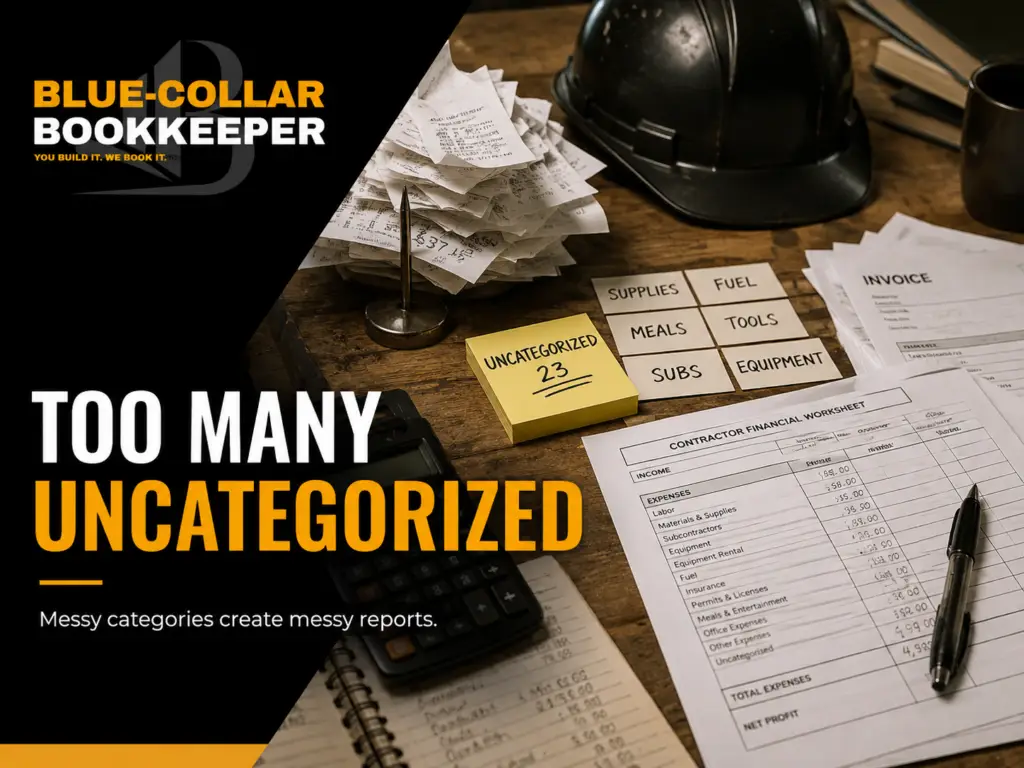
Uncategorized transactions are one of the most common QuickBooks cleanup issues.
QuickBooks may pull in transactions from the bank, but someone still needs to tell the system what those transactions actually are.
Was that charge for materials?
Was it fuel?
Was it equipment rental?
Was it office overhead?
Was it a subcontractor payment?
Was it a personal expense that should not be in the business books?
When too many transactions sit in Uncategorized Expense, Ask My Accountant, or similar holding accounts, your reports become unreliable.
That means your profit and loss statement may not show the real story.
For a contractor, that can make it harder to understand job costs, overhead, and tax-ready records.
3. Income Is Not Being Recorded Correctly
Contractor income can get messy fast.
You may receive deposits, progress payments, final payments, retainers, insurance checks, or payments across multiple projects. If those payments are not recorded correctly, your income reports may be misleading.
One job may look more profitable than it really was. Another job may look unpaid even though the customer already sent money. Deposits may get treated like regular income before the work is complete.
Clean bookkeeping helps make sure income is recorded in a way that actually matches the business.
That does not mean the reports have to be complicated. It just means they need to be accurate enough to support better decisions.
4. Expenses Are Being Categorized Inconsistently
This is another major issue for contractors.
One month, a supplier purchase may be categorized as materials. The next month, a similar purchase may be put under tools. Another one may land in general expenses.
Over time, that creates reports you can’t trust.
If similar expenses are handled different ways each month, your numbers become harder to read. You may think materials are lower than they really are. You may think overhead is higher than it really is. You may miss how much a certain type of work is actually costing you.
Contractors need consistent categories because the same types of costs show up again and again.
Materials, labor, subcontractors, rentals, permits, fuel, repairs, insurance, software, and office expenses all need to be handled clearly.
Without that consistency, QuickBooks becomes more of a storage box than a useful financial tool.
5. Job Costs Are Not Tied to the Right Projects
This is one of the biggest contractor-specific problems.
A general bookkeeper may clean up income and expenses, but contractors need something more specific. They need to know how costs connect to actual jobs.
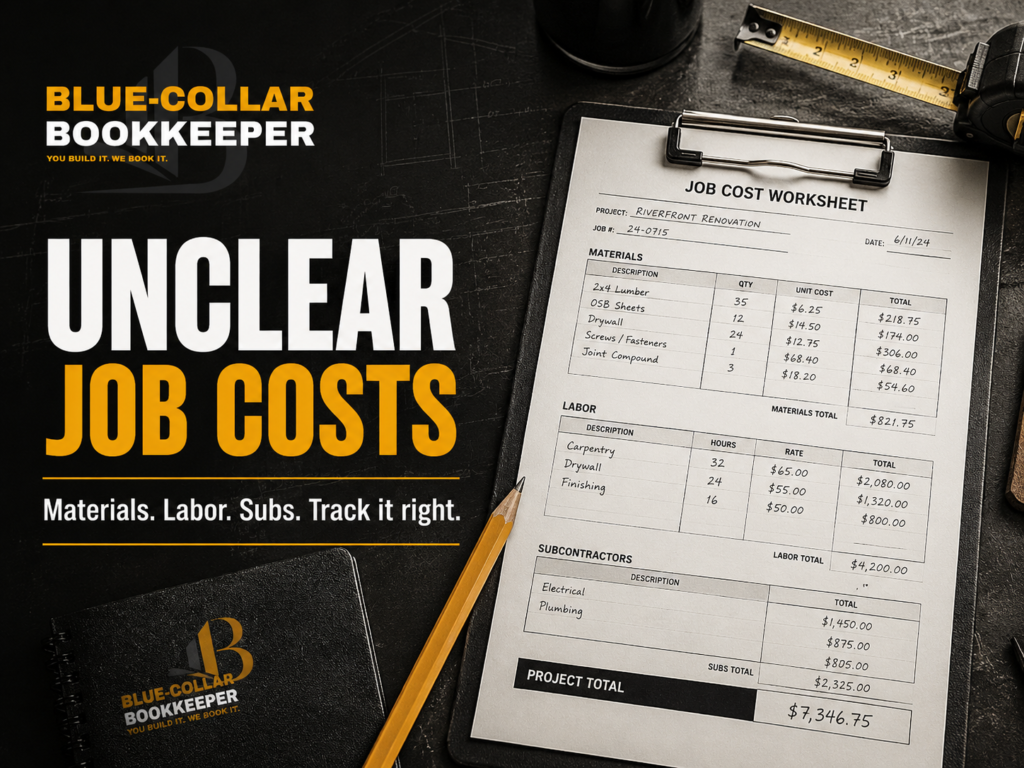
If materials, labor, subcontractors, and change orders are not tied to the right projects, you may not know which jobs made money and which ones quietly ate into profit.
A $35,000 project may look great from the outside. But if materials ran high, labor took longer than expected, and a subcontractor invoice was missed, the profit may be much smaller than you thought.
This is why job costing matters.
QuickBooks cleanup for contractors shouldn’t just focus on making the file neat. It should help create cleaner project-level visibility where possible.

6. Old Invoices or Bills Are Still Showing as Open
If QuickBooks shows a long list of unpaid invoices or unpaid bills, but you know some of them were already handled, the file may need cleanup.
This can happen when payments are recorded incorrectly or not matched to the right invoice. It can also happen when bills are entered but later paid outside the normal process.
For contractors, this creates confusion.
You may think a customer still owes you when they do not. You may think you owe a vendor when the bill was already paid. Or you may miss a real unpaid balance because the report is cluttered with old mistakes.
Clean accounts receivable and accounts payable matter because they show what money should be coming in and what money may still need to go out.
If those reports are wrong, cash-flow decisions get harder.

7. There Are Duplicate Transactions
Duplicate transactions can make your business look like it made more money or spent more money than it really did.
This often happens when transactions are manually entered and then also pulled in through the bank feed. It can also happen when payments, transfers, or credit card charges are matched incorrectly.
For a contractor, duplicate expenses can make a job look less profitable than it really was. Duplicate income can make the business look stronger than it actually is.
Either way, the numbers are wrong.
A clean QuickBooks file should not be full of duplicate entries. If duplicates are sitting in the file, they need to be reviewed carefully before reports can be trusted.
8. The Books Have Not Been Reconciled
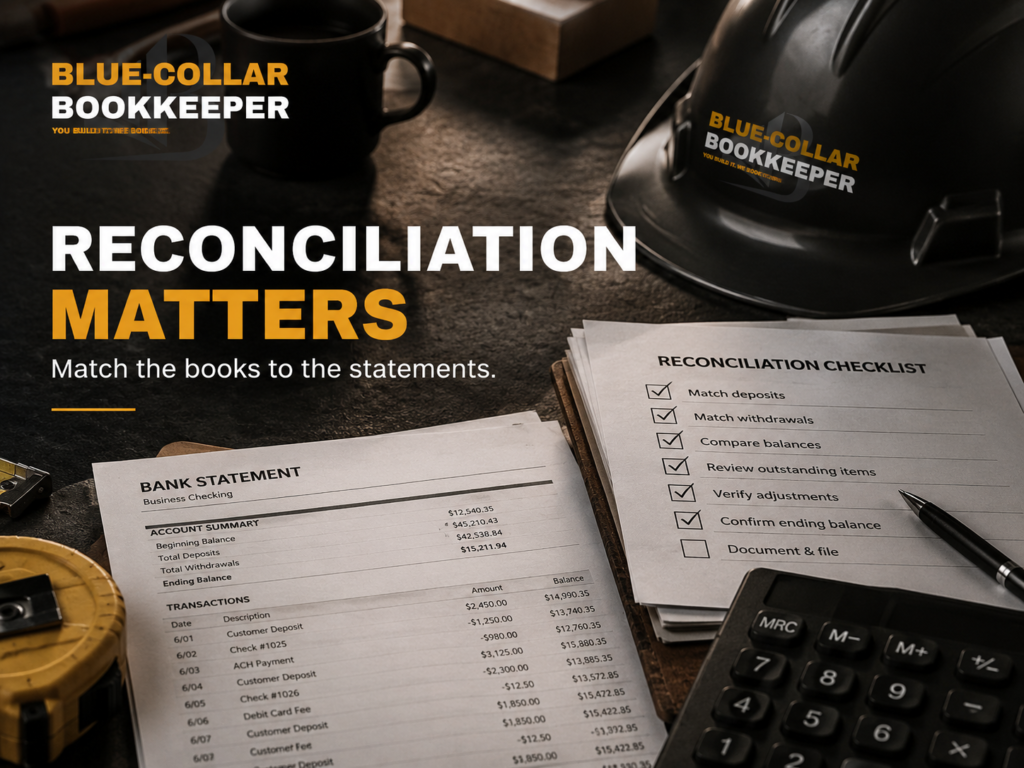
Reconciliation is one of the most important parts of bookkeeping.
It is the process of comparing QuickBooks to bank and credit card statements to make sure the records match.
If months of accounts haven’t been reconciled, your reports may not be reliable.
For contractors, this is especially important because so many transactions can move through the business. Customer payments, supplier charges, fuel, tools, subcontractors, equipment rentals, software, insurance, and owner draws can all create activity.
If nobody is checking the books against the actual statements, mistakes can pile up.
A business owner may not notice until tax time, when the accountant starts asking questions that should have been answered months ago.
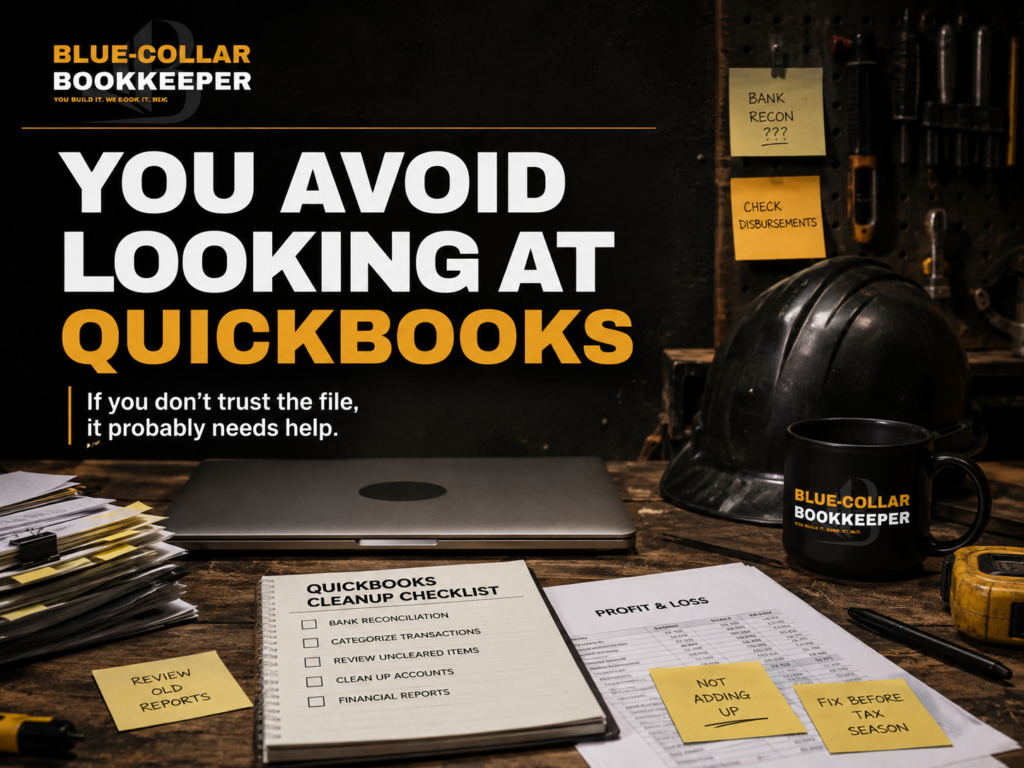
9. You Avoid Looking at QuickBooks Because You Do Not Trust It
This one may be the most honest sign.
If you don’t look at QuickBooks because you already know the file is a mess, it probably needs cleanup.
A lot of contractors avoid the numbers because the numbers feel stressful, confusing, or outdated. That doesn’t mean they are bad business owners. It usually means the bookkeeping system hasn’t kept up with the business.
You should be able to open your books and get a clear picture of where things stand.
Not perfect. Not overly complicated. Just clear enough to make better decisions.
If QuickBooks creates more questions than answers, it may be time to clean it up.
QuickBooks Cleanup vs. Cleanup & Catch-Up Bookkeeping
QuickBooks cleanup and cleanup and catch-up bookkeeping are related, but they’re not always the same thing.
QuickBooks cleanup focuses on fixing the QuickBooks file. That may include old transactions, incorrect categories, duplicate entries, bank feed issues, reconciliations, reports, customer records, vendor records, and project tracking problems.
Cleanup and catch-up bookkeeping is broader. It may include getting several months of books caught up, organizing missing records, reviewing old statements, preparing reports, cleaning up QuickBooks, and getting the business ready for ongoing monthly bookkeeping.
In other words, QuickBooks cleanup may be part of the larger cleanup process.
For contractors, the goal isn’t just to make QuickBooks look cleaner. The goal is to get the books organized enough to support real decisions.
What Happens After QuickBooks Cleanup?
Cleanup is usually not the finish line.
Once the file is cleaned up, the next step is keeping it clean.
That’s where monthly bookkeeping comes in.
Monthly bookkeeping helps keep transactions categorized, accounts reconciled, reports updated, and records ready before things fall behind again.
For contractors, that matters because jobs keep moving. Materials get purchased. Subs get paid. Customers make payments. New projects start before old ones are fully wrapped up.
If the books are only cleaned up once and then ignored, the same problems can come back.

Why Contractors Shouldn’t Wait Until Tax Time
Tax time is one of the worst times to discover messy books.
By then, the year is already over. Receipts may be missing. Old transactions may be hard to remember. Job details may be scattered. The tax preparer may need answers fast.
Clean books don’t guarantee a perfect tax season, but they can help reduce the last-minute scramble.
When QuickBooks is cleaned up before tax time, the tax professional has better information to work with. The contractor has a clearer view of the year. And the business is not trying to rebuild twelve months of activity under pressure.
That’s a better way to operate.
QuickBooks Cleanup for Contractors Should Be Practical
Contractors don’t need reports full of accounting language they never use.
They need books that help answer practical questions.
Where did the money go?
Which projects made money?
What expenses are climbing?
Who still owes us?
What bills are still open?
Are we ready for tax time?
Can we trust these numbers?
That’s the point of QuickBooks cleanup.
It isn’t about making the file pretty. It’s about making the numbers useful.
Bookkeeping Built for Contractors
The Blue-Collar Bookkeeper helps contractors get clearer numbers without the corporate accounting fluff.
If your QuickBooks file is messy, behind, or hard to trust, cleanup may be the first step. From there, ongoing monthly bookkeeping can help keep the books current, organized, and easier to understand.
You build it. We book it.
QuickBooks Cleanup for Contractors FAQs
What is QuickBooks cleanup for contractors?
QuickBooks cleanup for contractors is the process of reviewing and correcting a messy or outdated QuickBooks file. This may include categorizing transactions, fixing duplicates, reconciling accounts, reviewing reports, organizing customer and vendor records, and helping the books become easier to trust.
How do I know if my QuickBooks file needs cleanup?
Your QuickBooks file may need cleanup if your bank balance does not match your books, transactions are uncategorized, old invoices or bills are still showing as open, job costs are unclear, reports do not look right, or you avoid using QuickBooks because you do not trust the numbers.
Is QuickBooks cleanup the same as catch-up bookkeeping?
Not exactly. QuickBooks cleanup focuses on fixing the QuickBooks file. Catch-up bookkeeping is broader and may include bringing months of bookkeeping current, organizing missing information, reviewing statements, and preparing the business for monthly bookkeeping.
Can QuickBooks cleanup help with job costing?
Yes, it can help if job costs are being tracked incorrectly or not tied to the right projects. Contractors need clean books to see materials, labor, subcontractors, equipment, and other costs more clearly by job.
Should I clean up QuickBooks before tax time?
Ideally, yes. Cleaning up QuickBooks before tax time can help make reports more accurate and give your tax professional better information to work with. Waiting until the deadline is close can create unnecessary stress and confusion.
What happens after QuickBooks cleanup?
After cleanup, the next step is usually monthly bookkeeping. This helps keep the books current so the same problems do not build up again.
Ready to Clean Up the Books?
If your QuickBooks file is messy, behind, or hard to trust, The Blue-Collar Bookkeeper can help you get a clearer look at where things stand.
We’ll take a look at where your books stand, what may be unclear, and what it would take to get your numbers working for you instead of against you.
Start with a free financial consultation.
You build it. We book it.